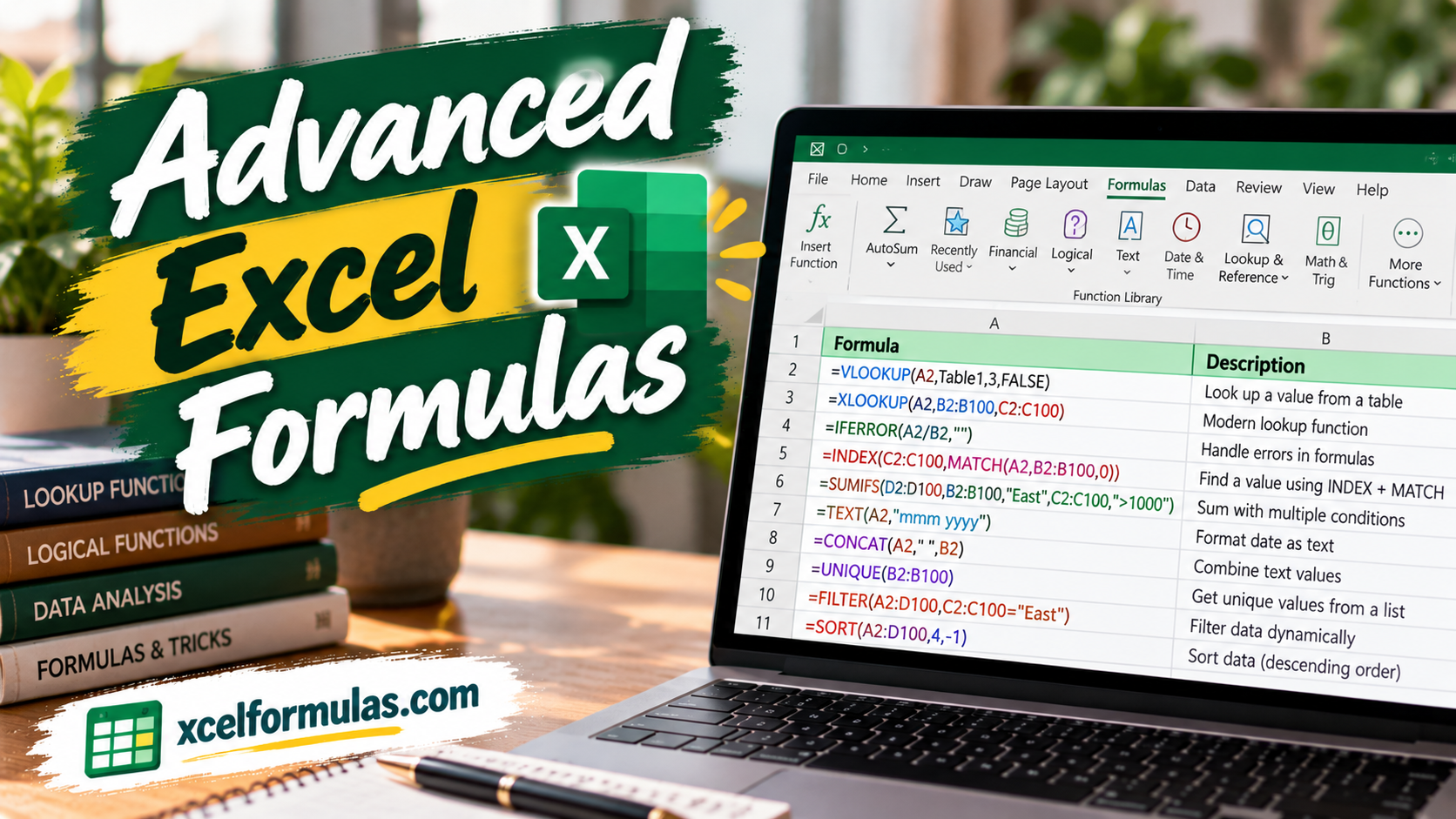
Financial analysts spend a significant portion of their careers working within Microsoft Excel, manipulating large datasets, and building financial models. Knowing which formulas to utilize for complex data analysis can dramatically improve spreadsheet accuracy, efficiency, and overall model functionality.
Lookup and Scenario Formulas
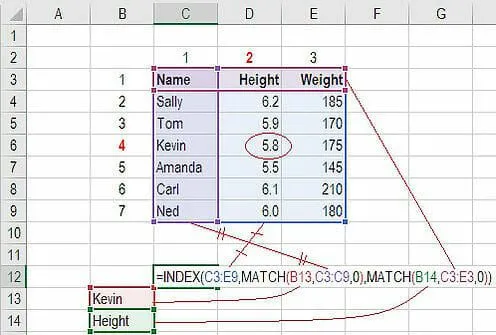
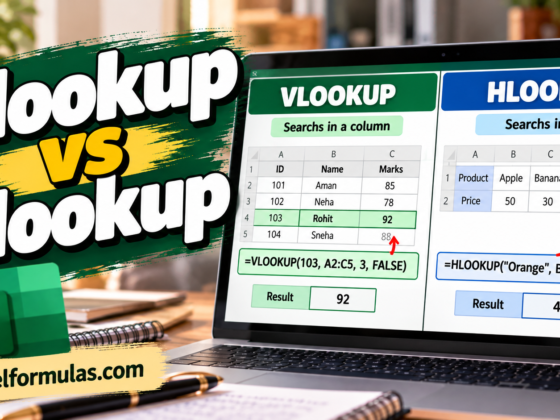
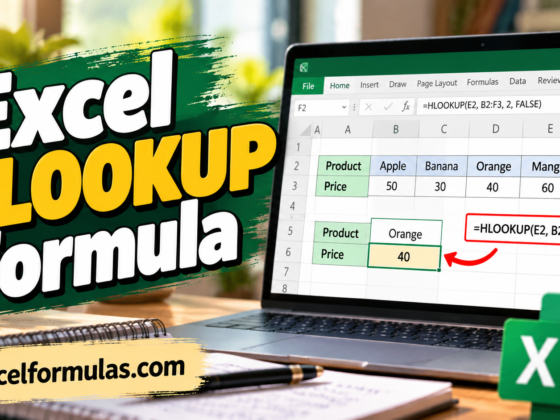
- INDEX MATCH: An advanced and robust alternative to VLOOKUP or HLOOKUP. The
INDEXfunction returns the value of a cell based on column and row numbers, whileMATCHlocates the position of a cell in a row or column, allowing analysts to look up data across multiple variables. - CHOOSE: Ideal for financial modeling scenario analysis. It allows you to pick between a specific set of options based on a numerical choice, such as returning 5%, 12%, or 18% revenue growth depending on selected parameters.
Advanced Mathematical and Dynamic Aggregation
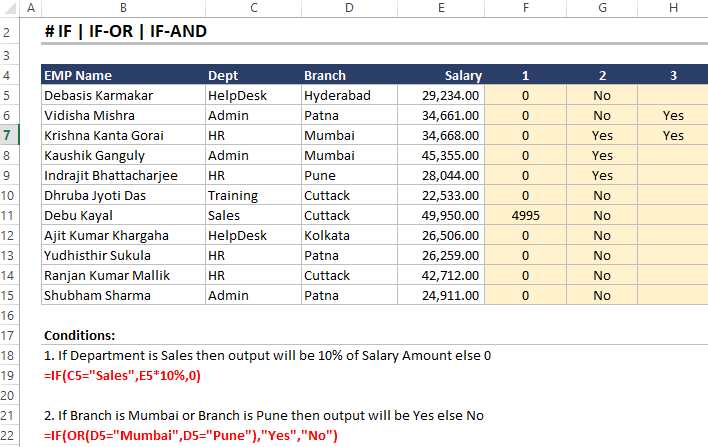
- IF combined with AND / OR: Eliminates the nightmare of auditing complex nested IF statements by combining logical tests into cleaner, more readable formulas.
- OFFSET combined with SUM or AVERAGE: Creates dynamic ranges that move automatically based on variable cell inputs rather than static cell references.
- XNPV and XIRR: Essential tools for investment banking and financial planning & analysis (FP&A) that apply specific calendar dates to individual cash flows, overcoming the equal-interval limitations of standard NPV and IRR formulas.
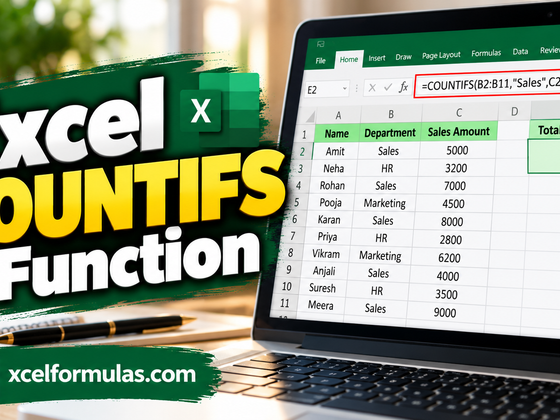
- SUMIF and COUNTIF: Conditional aggregate functions used to sum or count cells meeting specific criteria, such as tracking inventory totals or filtering guest age demographics.
Debt Schedules, Text Manipulation, and Cell Information
- PMT and IPMT: Used heavily in commercial banking and real estate debt schedules,
PMTcalculates equal periodic loan payments whileIPMTisolates the interest payment portion. - LEN and TRIM: Powerful text-organization tools where
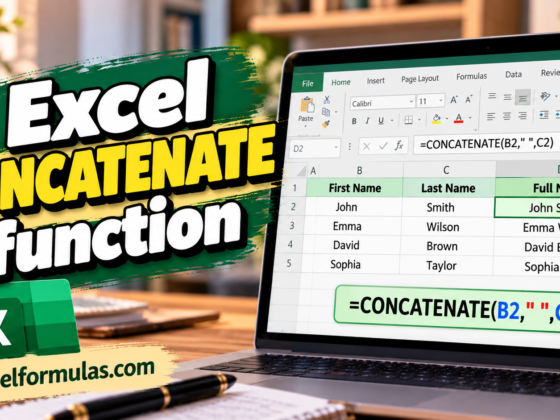
LENcounts the number of characters in a string andTRIMcleans up messy data by removing unwanted spaces. - CONCAT: The modern function for joining text strings, cell values, and ranges to build dynamic labels and summary headers that update automatically.
- CELL, LEFT, MID, and RIGHT: Advanced functions used in combination to extract specific text characters from the beginning, middle, or end of text strings while pulling background metadata from cells.
Mastering these advanced Excel formulas is a vital step toward becoming a world-class financial analyst. Whether you are structuring debt schedules, discounting uneven cash flows, or cleaning massive datasets, these tools will save you hours of manual work and elevate your financial models.